
Joining as a clinic
Apply to list your clinic
Create your clinic login and start your application in one short form.
- 1
Open the clinic sign-up
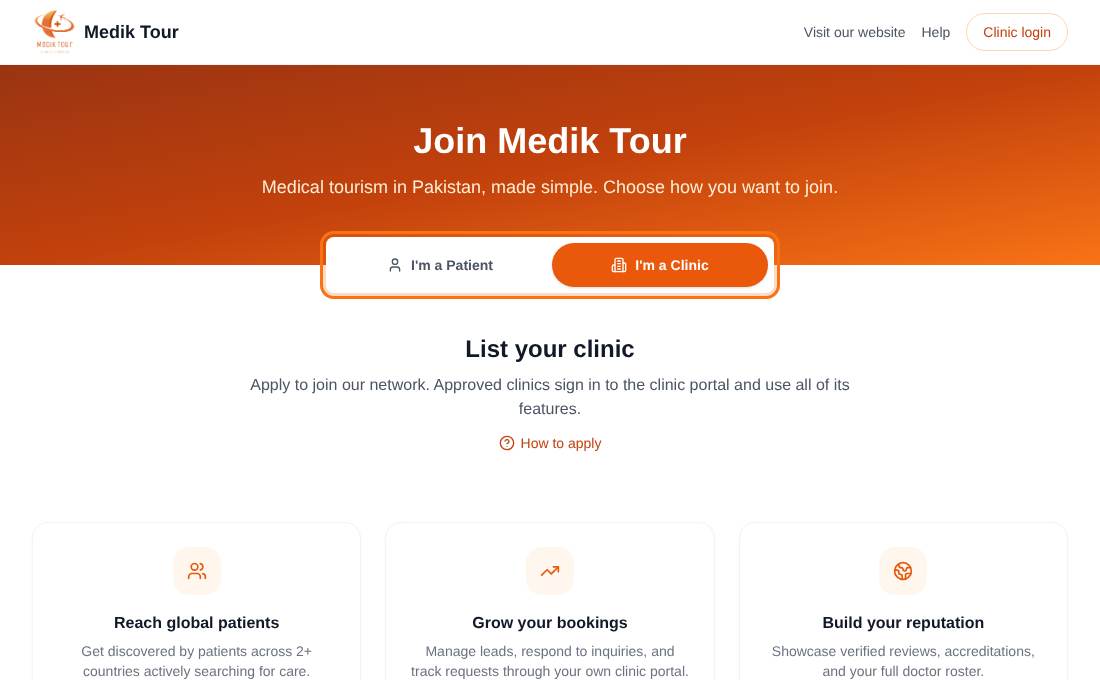
Go to the Join page and choose the I'm a Clinic tab, or open List your clinic from the footer. When a special offer is running it appears under the headline.
- 2
Fill in the form
Enter the contact person's name, an email and a password of at least 8 characters. This email and password become your Clinic Portal login, so use an address you can access.
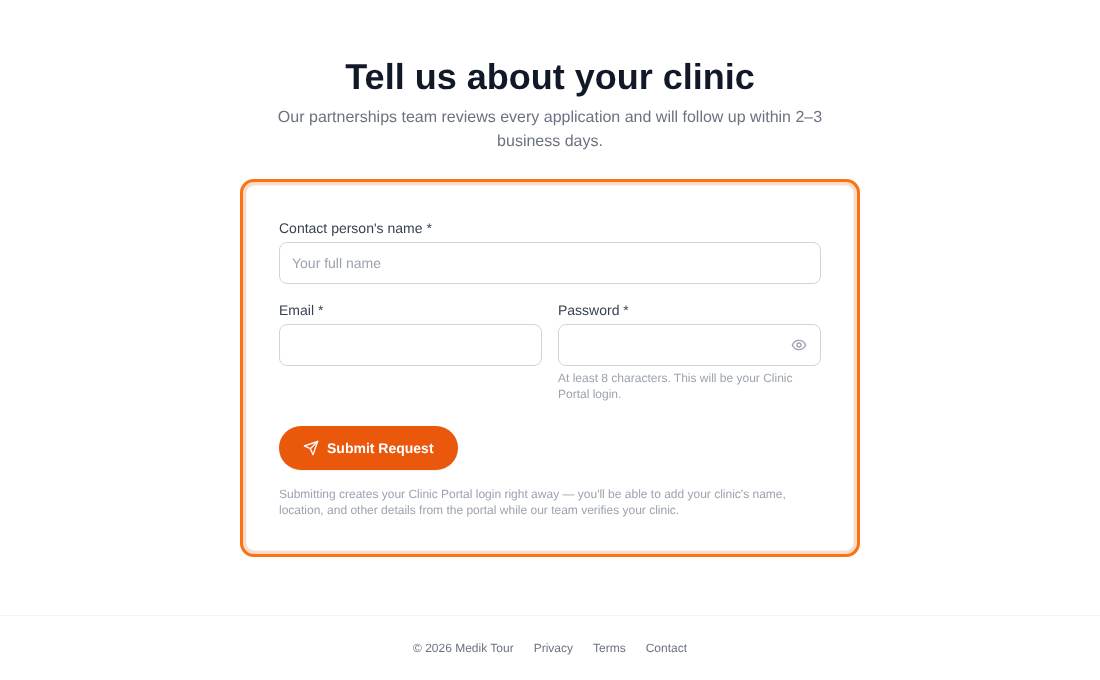
Three fields are all you need to start. - 3
Press Submit Request
Your Clinic Portal login is created straight away and you are signed in and taken to the portal. If the email already belongs to an account you are asked to sign in instead.
- 4
Finish your application in the portal
Until our team approves you, the portal shows only your application. Add your clinic details, overview and documents, then sign the agreement. Our partnerships team reviews every application and follows up within 2 to 3 business days.
Read Complete your clinic application next. It walks through the four steps.
Common questions
Do I need my documents ready?
You can start now and add documents later, but you cannot submit until the Ministry of Health approval and one of JCI or ISO are uploaded.
Will I get a confirmation email?
The application itself is confirmed on screen. You are emailed when our team approves it or asks for changes.