
Joining as a clinic
Sign in to the Clinic Portal
Sign in, reset a forgotten password, and what the session timeout does.
- 1
Sign in
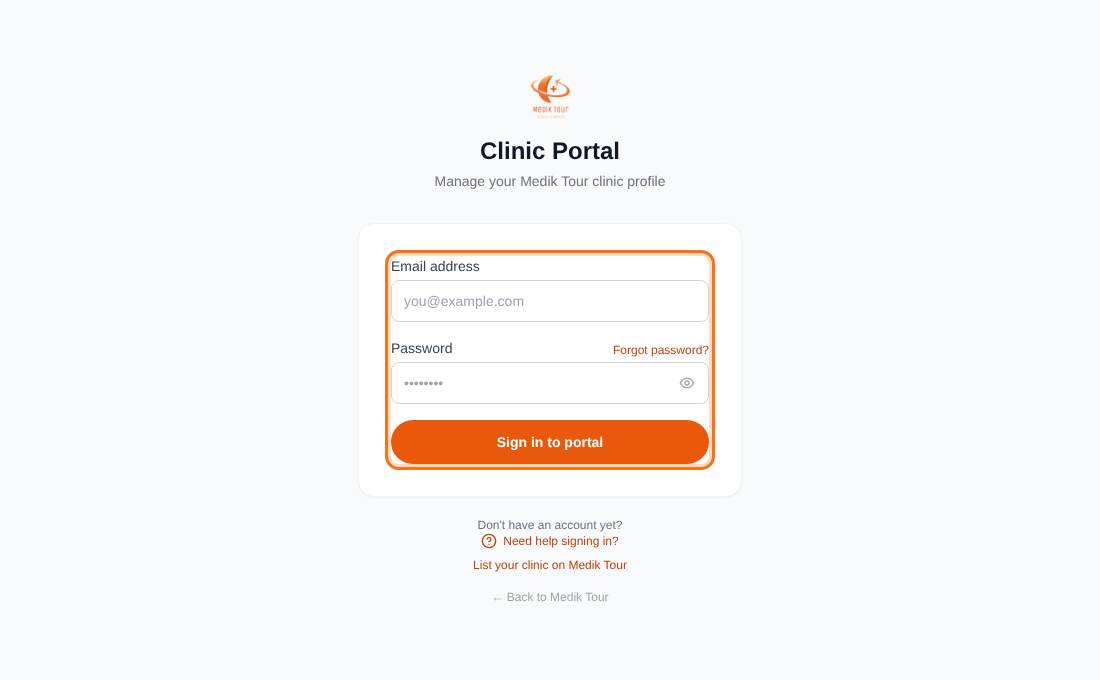
Choose Clinic in the top bar of the site, or Clinic login on the Join page, to open the Clinic Portal sign-in. Enter your Email address and Password and press Sign in to portal. Use the eye icon to check what you typed.
Only clinic accounts can sign in here. An Invalid email or password message also appears if you use a different kind of account.
- 2
Forgot your password?
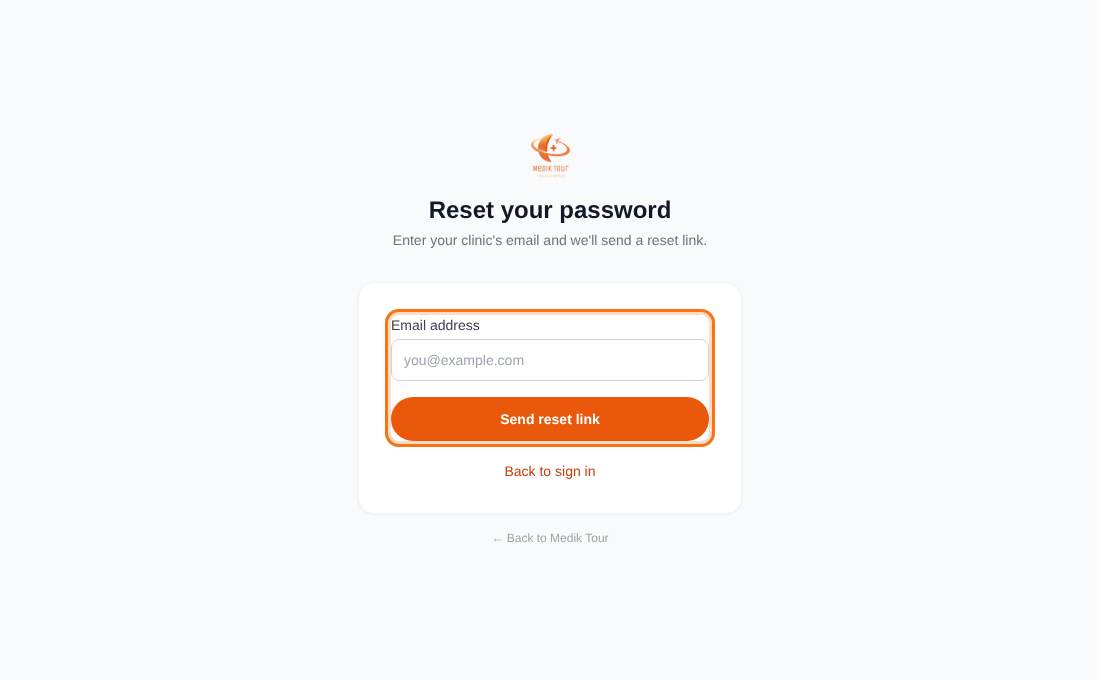
Press Forgot password?, enter your clinic's email and press Send reset link. If an account exists we email a link that works for 1 hour. Open it, type a new password (at least 8 characters) and press Set new password. You are sent back to sign in.
The confirmation looks the same whether or not the email is registered, for your security.
- 3
Staying signed in
After 15 minutes without activity a box asks whether to stay signed in. Press Stay signed in to continue. After 20 minutes in total you are signed out and returned to the sign-in page.