
Getting a quote
Find clinics, treatments and packages
Search and filter verified clinics and compare their packages before you ask for a quote.
- 1
Search from the home page
On the home page choose What treatment are you looking for? and Where would you like to go?, then press Search. You land on the clinics list already filtered.
- 2
Filter the clinic list
On the Clinics page use the treatment and destination boxes and press Filter. Clear filters resets everything. On a computer the sidebar also lists countries.
Only published, verified clinics with at least one package are listed. Featured clinics come first, then the best rated.
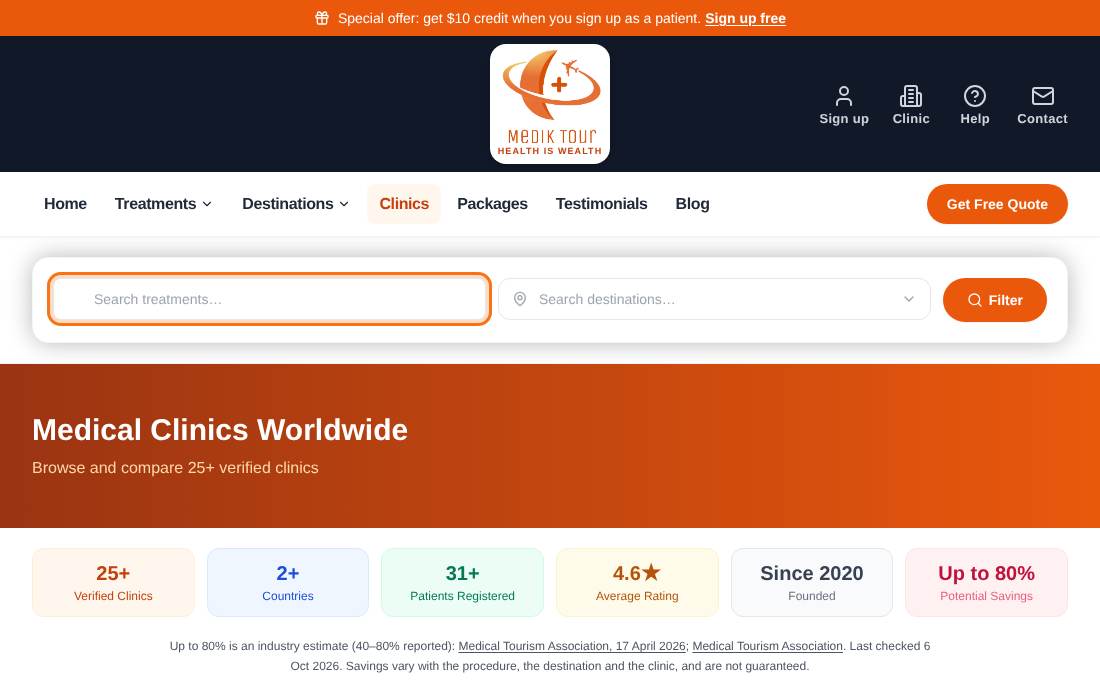
- 3
Open a clinic
A clinic page shows About, Packages offered, Our doctors, Patient reviews and FAQs. Use the Request Free Quote card to ask for a quote.
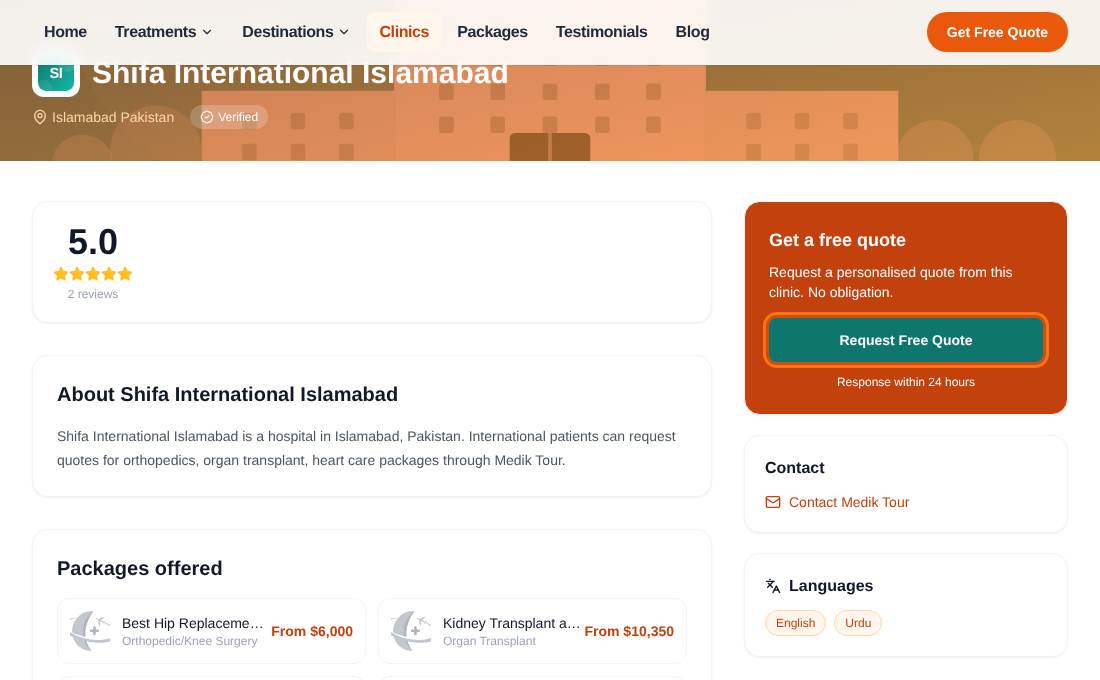
- 4
Compare packages
The Packages page lists clinic packages with a starting price and duration. Filter by treatment and destination, open one to read the details, then press Request Quote.
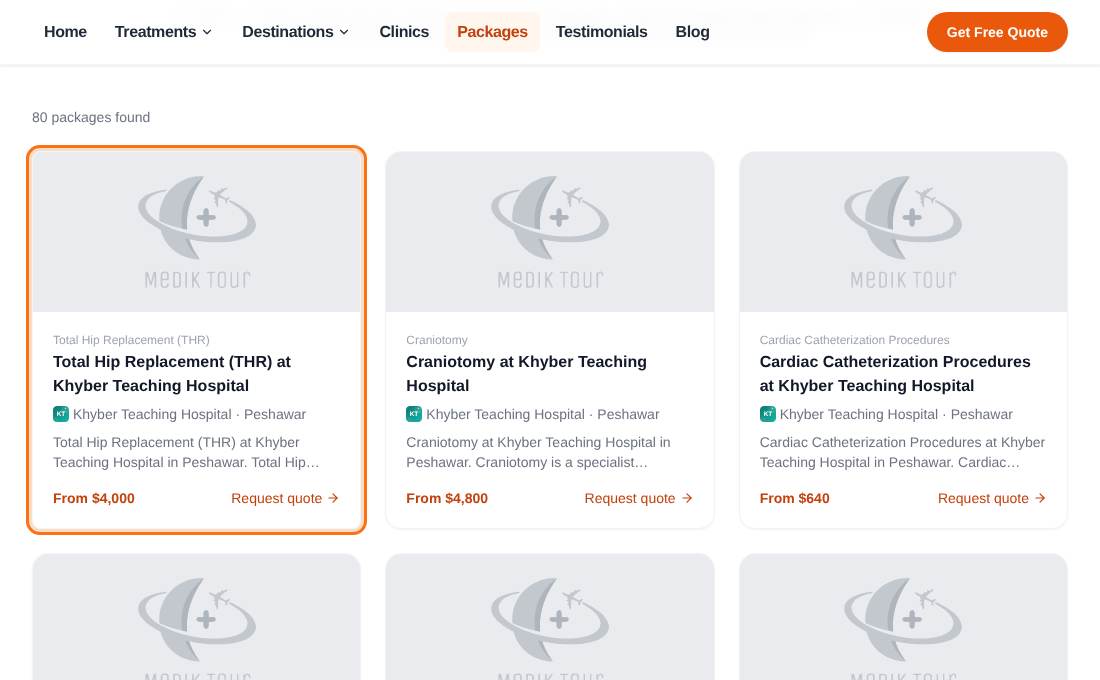
Treatment and destination pages (from the menu) explain a treatment or country and list the best clinics for it.